Another Venn Diagram with a Different Command
To use the pvenn command you need to download it from the SSC and install it. To do this use the following command in Stata:
ssc install pvenn
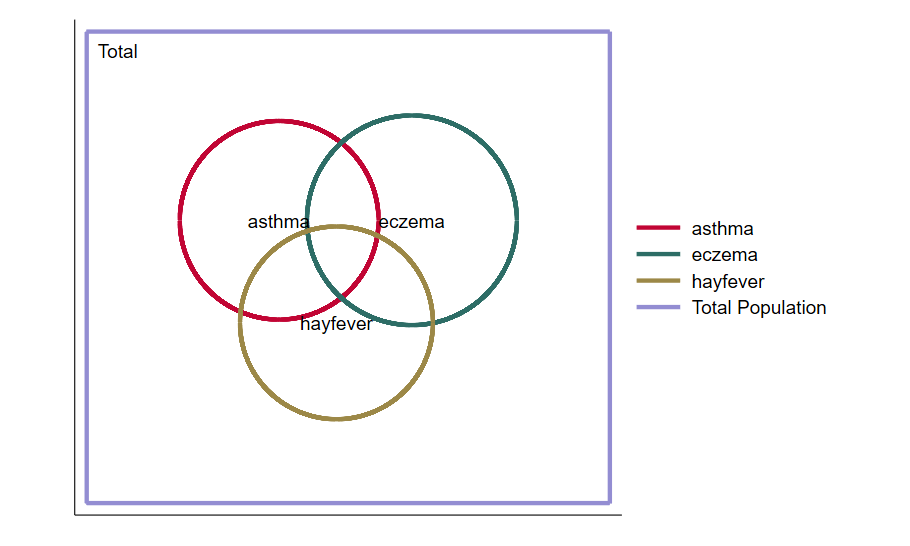
To generate the image above, use the following commands in Stata:
clear
input hayfever eczema asthma freq
1 0 0 31088
1 1 0 9863
0 1 0 43522
0 1 1 9258
0 0 1 35299
1 0 1 11024
1 1 1 6200
0 0 0 345262
end
list
expand freq
pvenn asthma eczema hayfever
For a comprehensive exploration of the many Stata graph commands and options, check out the book A Visual Guide to Stata Graphics, 3rd Edition.